
KoBar
Your tools, one click away.
A free, open-source sidebar for Windows. It docks to any edge of your screen, keeps your notes and carries only the plugins you choose.
Features
Any edge
Dock it to the left, right, top or bottom edge, vertical or horizontal, in three sizes.
Notes built in
A note list and a rich-text editor. Import .txt and .md files and save with Ctrl+S. Notes stay on your PC.
Workspaces
Save a layout with its theme, sizes and plugins, then switch between them from the bar.
Mini mode
Shrink KoBar to a small floating cat head. Its eyes follow your cursor and it blinks when a notification arrives.
Make it yours
Light, dark or system theme, eight accent colors or your own, and a solid or translucent bar.
Backup and restore
Export notes, settings, workspaces and plugin data to one file. KoBar backs itself up before a restore.
10 languages
English, Turkish, German, Spanish, French, Japanese, Russian, Arabic, Hindi and Chinese.
Keyboard and displays
Use the bar and its menus entirely from the keyboard. It follows the active display when screens change.
Screenshots
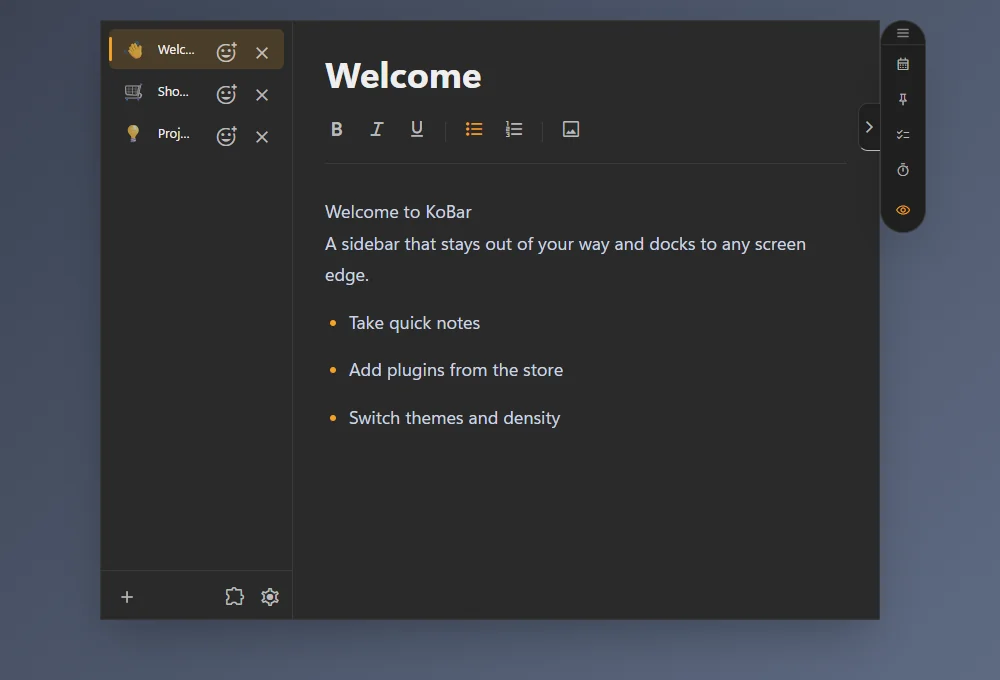
The notes panel beside the bar 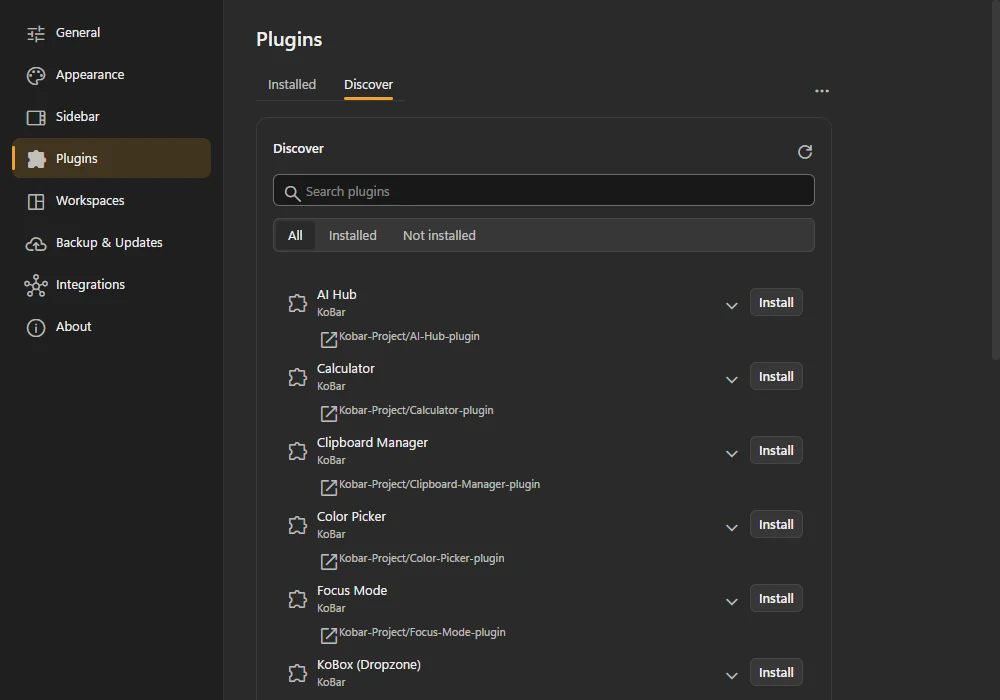
Plugins: install with one click 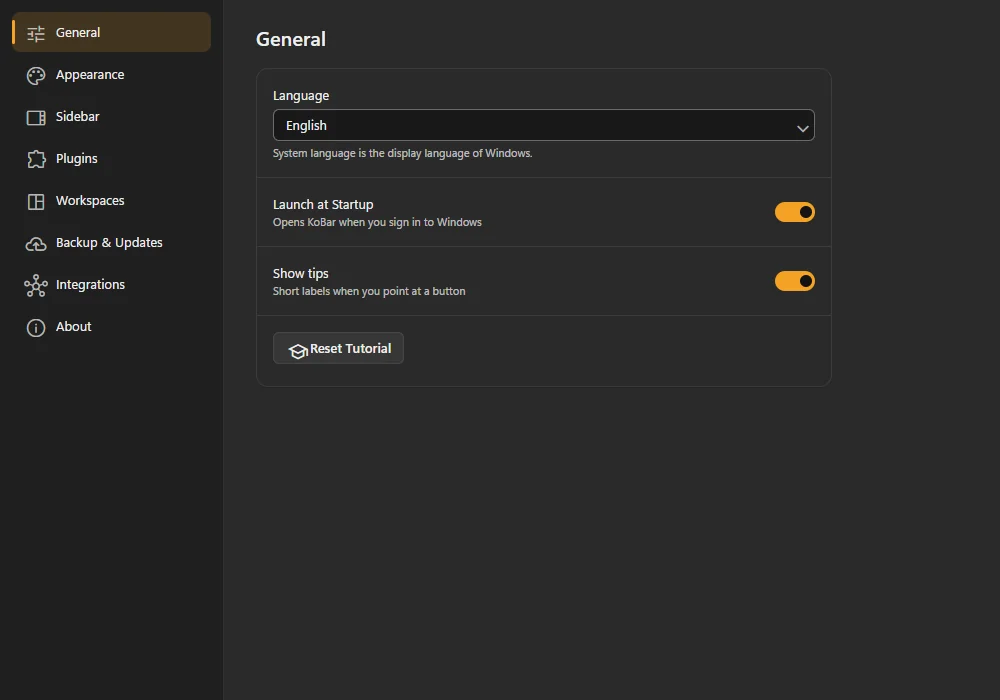
Settings
Plugins
13 official plugins, each installed with one click after you approve it.
- AI Hub
- Clipboard Manager
- Screenshot Studio
- Color Picker
- Snippet Vault
- KoBox (Dropzone)
- Shortcuts
- Pin Window to Top
- koPlayer
- Focus Mode
- To-Do List
- KoCalendar
- Calculator
AI Hub works with OpenAI, Google Gemini and Anthropic Claude using your own API key, or with local models through Ollama or LM Studio.
Your data stays with you
No account, no telemetry and no KoBar server. Notes, clipboard slots, screenshots and settings stay on your computer.
- Platforms
- Windows 10, Windows 11
- Price
- Free
- License
- MIT
- Languages
- 10
- Source code
- GitHub